Library
Your library serves as a way to organize and add documents to your database.
Tavern Research can ingest Google Drive folders and website contents.
Adding a Library Connection
In the top right corner, click "Add To Library."
From there, you will be prompted to choose your connection source, and give your connection a name and a description.
Once you finish setup, you will be re-directed to the Library home, where your new connection should read "In Progress."
Any of Tavern's apps can now leverage these documents.
Library Management
The Library page lists all of the connections currently being synced into your database as well as information about their current status.
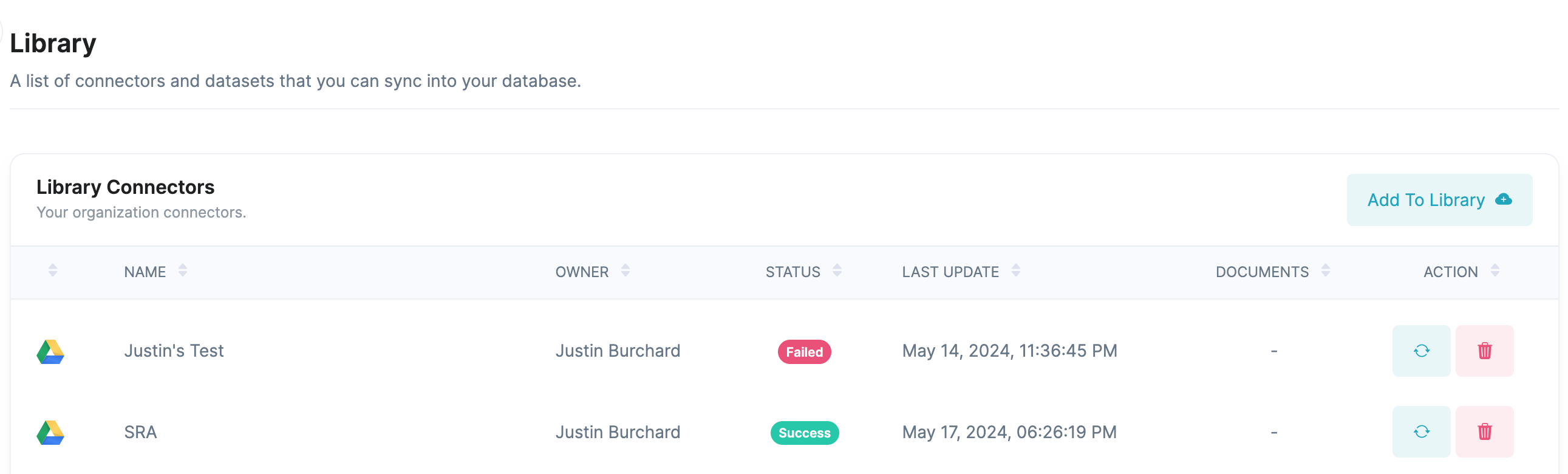
Click on the library item to be taken to the details page, which provides more information about the connection.
Documents List
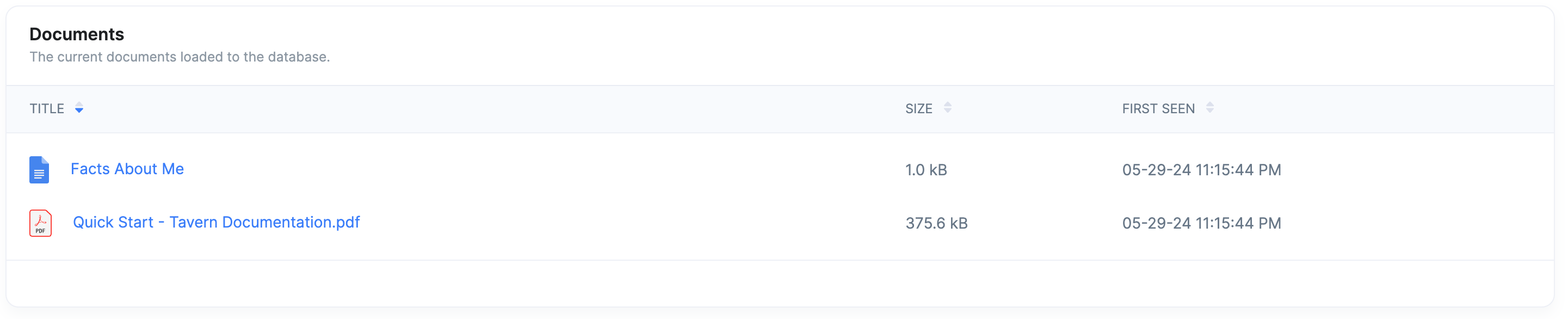
The documents list table provides a list of all of the documents contained in the connection as well as details about their size and the last time that they were updated.
Syncs

Tavern Research syncs your connectors every six hours. This sync process will update, add, and remove documents based on any recent edits.
The syncs table provides a list of previous sync attempts.
| Field | Description |
|---|---|
| Date | Timestamp of sync |
| Duration | The length of the sync run |
| Documents | The number of documents found and extracted |
| Sub Documents | The number of chunks the documents were split into |
| Sync Results | The number of documents, added, skipped and deleted from the database |
Sync Strategy
To speed up our sync, Tavern only updates documents in the database that have been added, changed or removed. Therefore, after your initial sync, it is likely that most documents will be skipped unless you have done large-scale edits.